


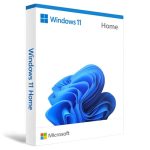
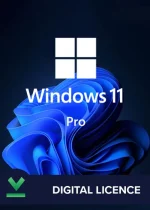
Microsoft Windows 11
R2000,00
0
People watching this product now!
Description
How to Activate Windows ?
If you don’t have Windows 11 Professional already installed, we recommend you first download and install it from here: https://www.microsoft.com/en-us/software-download/windows11
To Activate Windows 11 Professional with Oem Key follow this:
- Click Start -> Go to Settings
- Click on System -> Activation
- Click on Activate or Change Product Key
- Enter the License Key you received after purchase
- Done, now your Windows is fully activated and you will have access to Premium features
Rare Errors during Activation:
- 0xc004f050 (Click here on how to fix this error)
- 0xc004c008 (Click here on how to fix this error)
If you encounter any issues or received any other error or problem during the activation process, please contact us at WhatsApp +27813249120 or Email at support@appleworks.co.za
Shipping & Delivery